Composite Translucency and Opacity: A Selection Guide
Composite translucency and opacity help explain why an anterior restoration can look gray even when its shade label seems correct. The visible result includes the underlying background and the way light passes through or is scattered by the restoration.
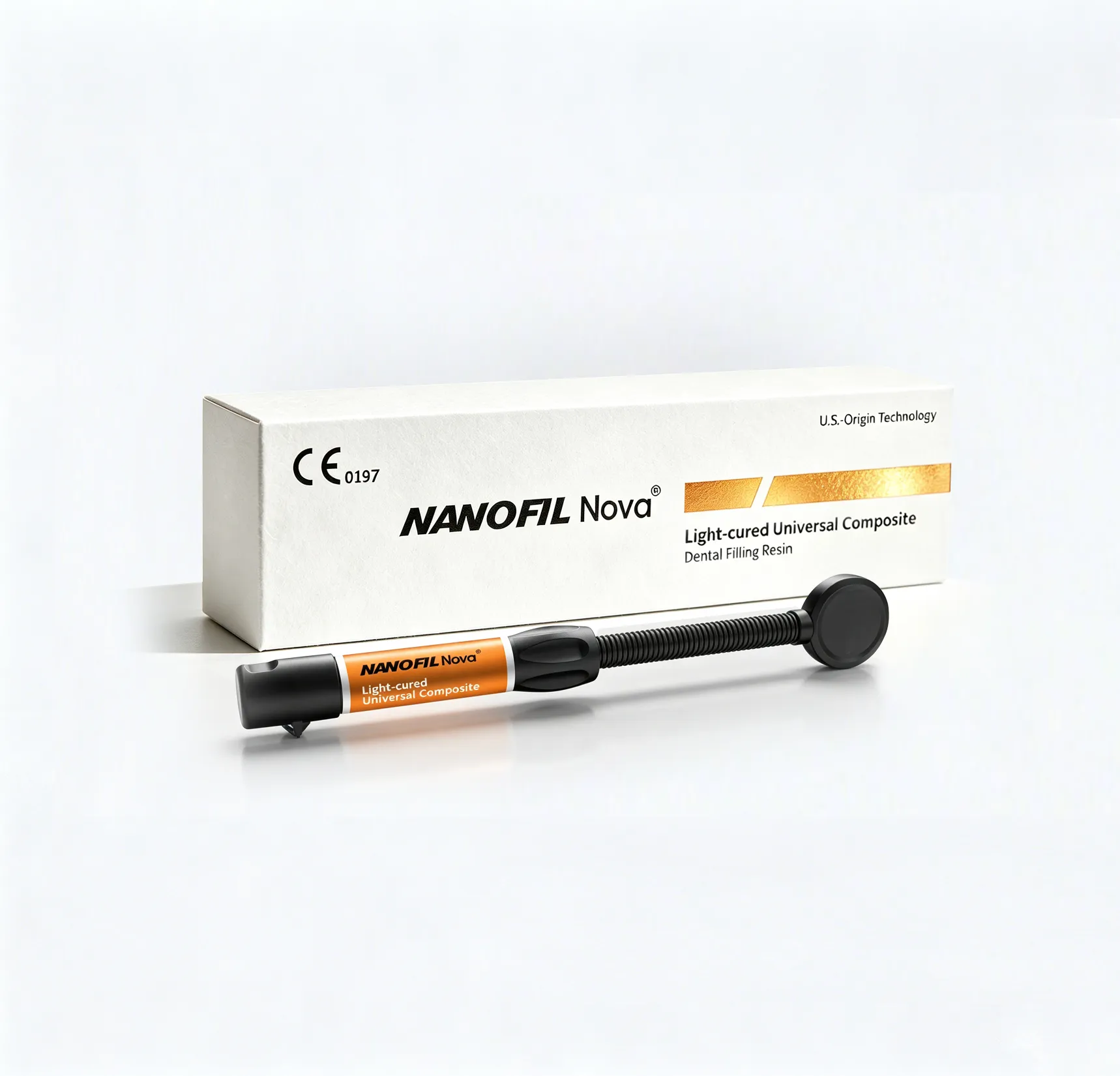
1. Diagnose the visual problem before changing shade
A darker-looking restoration is not automatically the wrong hue. First ask whether the background is showing through, whether the restoration has the intended thickness and whether the surrounding tooth has changed appearance during isolation.
Laboratory research on composite translucency and masking shows that thickness and material selection affect background masking. These observations are a reason to evaluate the complete layer arrangement, not a universal prescription for adding a fixed thickness of any composite. Source 1.
| Observation | Question to investigate |
|---|---|
| Gray area over a dark substrate | Is additional, compatible masking required? |
| Flat, opaque appearance | Is the selected opacity appropriate for this region? |
| Visible transition at a margin | Does the preparation and layer arrangement support blending? |
| Acceptable dry appearance but mismatch later | Were hydration and assessment conditions consistent? |
2. Make an optical map
Sketch the restoration as background, restorative layers and viewing surface. Label the role expected from each material: masking, body color or translucency. This simple map often reveals that the shade request does not describe the actual problem.
Confirm that every proposed layer is an indicated product and that the combination is supported. An opaque accessory should not be substituted with a random liner, cement or differently branded paste merely because the color looks useful. Each layer also has its own placement and curing constraints.
3. Compare the intended arrangement
Use an appropriate extraoral sample or mock-up to compare the planned background and layer arrangement. Change one variable at a time and record the result after curing and finishing. A photograph without material names or thickness information is difficult for technical support to interpret.
Send ATBIO the background concern, restoration region and current material combination. Ask which documented products fit the intended task; do not assume that every aesthetic range includes an approved opaque accessory.
4. Translate optical terms into an assortment decision
Hue describes the color family, chroma its intensity and value its lightness. Translucency adds another question: how much does the surrounding or underlying material participate in the visible result? Two specimens carrying the same nominal shade can therefore serve different roles in a layered restoration. A distributor's catalogue should identify the manufacturer's shade and opacity designations together, instead of presenting shade codes as a complete optical specification.
For an explanatory model, prepare a labeled material sample over two documented backgrounds, using the same specimen rather than comparing two differently prepared pieces. Observe the change in appearance, then compare another material at the same final thickness. This separates background influence from the variables introduced during preparation. The model illustrates selection principles; it is not a clinical performance test.
5. Specify the function of each aesthetic sample
| Portfolio role | Sample request | Training message |
|---|---|---|
| Body shade | Exact shade and opacity designation | Establish the main restorative color |
| Translucent effect | Manufacturer-designated option | Evaluate its interaction with the background |
| Masking task | Documented material and compatible sequence | Plan the background before the final appearance |
These are functional categories, not a statement that every option is sold in every ATBIO line. Attach the required role to your sample request. Compare the full product designation with the composite selection matrix, then select only the complementary items needed for the customer segment.
Product information for distributors and OEM projects
Use the record above to define your application, product and sample requirements. Request ATBIO product information with your company, destination market, preferred presentation and estimated quantity. Include whether you require ATBIO-branded supply or an OEM project.
Frequently asked questions
Is gray appearance always a shade error?
No. Background transmission, opacity, thickness and viewing conditions can contribute.
Is more opaque material always better?
No. Excessive masking can create a flat appearance and may not suit the intended region.
Can I solve masking by exceeding the permitted increment?
No. Optical goals do not override the product's placement and curing instructions.
What information helps technical support most?
The substrate, product and shade names, intended layer arrangement, curing method and comparable photographs.
References and product information
External sources support the specific discussion above; they are not tests of ATBIO products. Product pages identify the relevant range. Obtain the current instructions for the exact model before use.
/dental-composite-resins/nanofil-universal-aesthetic-dental-resin
/dental-composite-resins/nanofil-nova-light-cured-universal-composite-resin
/dental-composite-resins/oneluxlu-chrome-one-shade-universal-composite
About the manufacturer
ATBIO is the dental-material brand of AT&M Biomaterials. Explore NANOFIL Universal Aesthetic, NANOFIL NOVA Universal, ONELUX CHROME. Product selection, compatibility and supply documentation should be confirmed for the exact model and destination.
Do you prefer online learning?
Live webinars and professional tips — learn when, where and how.
Access our online learning opportunities